01
Authorize Chatlio in your workspace
Authorize Chatlio in Slack and choose the channel where new conversations should appear.

Chatlio connects a widget on your website to the channel your team already watches. No extra software, no second inbox.
Chat with customers from Slack today. Discord and Teams coming soon.
Authorize Chatlio in Slack and choose the channel where new conversations should appear.
Choose your framework and copy the embed code from the dashboard. Follow a guide for React, Next.js, WordPress, Shopify, Squarespace or Webflow.
<script async src="https://js.chatlio.com/widget.js">
</script>

<chatlio-widget
  widgetid="YOUR-WIDGET-ID">
</chatlio-widget>Visitors write on your site; your team answers in a dedicated thread or channel. Anyone can jump in.
Included in every plan, with full CSS access.
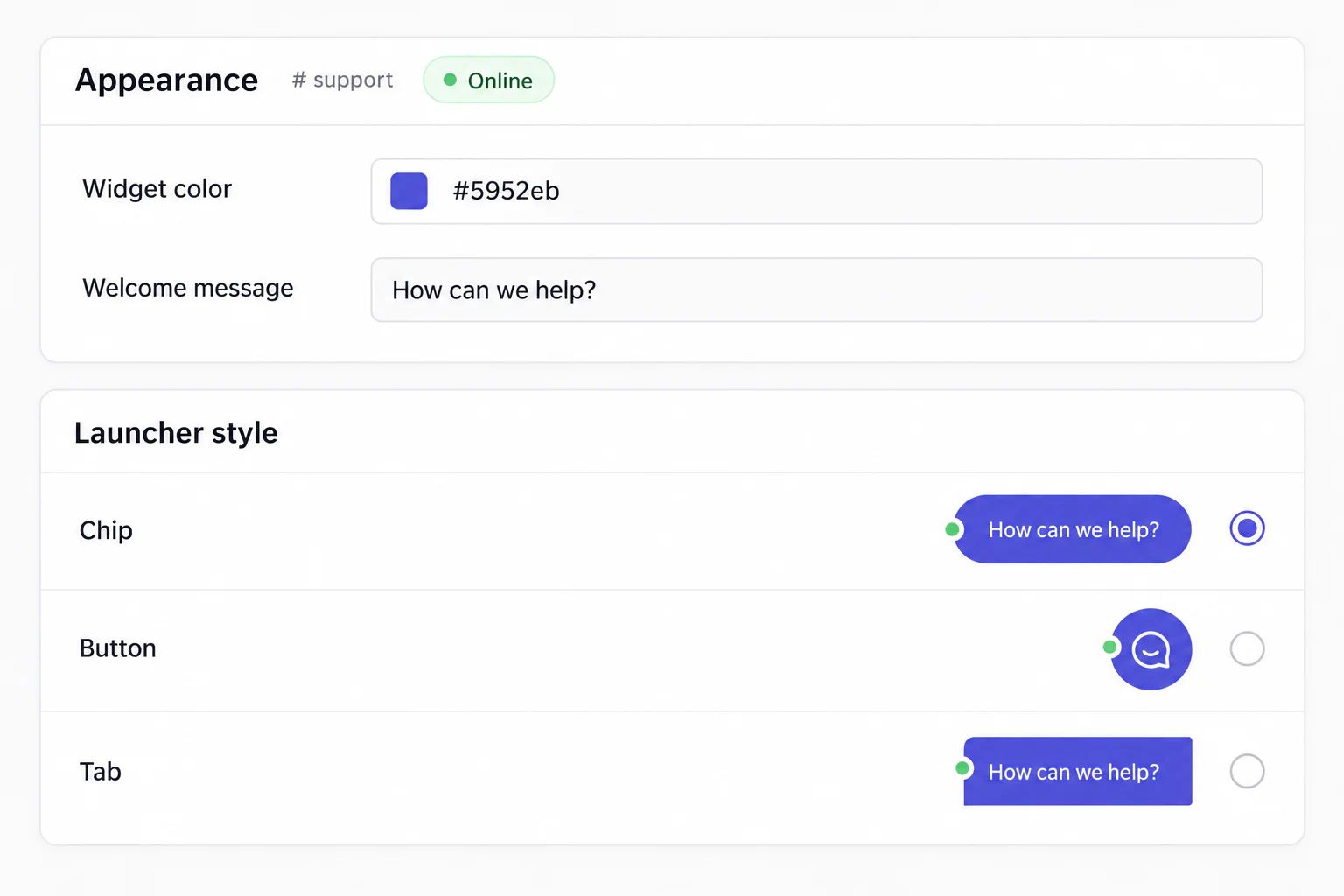
Choose the shape, color, text and language.
Change the widget’s design with your own CSS.
Opens full screen on phones. You can also hide it on small screens.
Remove "Powered by Chatlio" on higher plans.
Triggers and pre-chat questions turn passive browsing into qualified conversations.
Send a message automatically after time on a page, a scroll, or a return visit.
Ask for a name, email or other details before the chat starts.
Route visitors to the right channel based on their answers.
Answer the question you get ten times a day in one keystroke.
A new chat creates a dedicated space for that visitor. Any operator can join at any time.
Support pulls in an engineer without a handoff. The visitor sees one conversation.
See location, page, local time, browser, OS and details you send with identify().
Ask for a screenshot from your channel. No plugin on the visitor’s side.
Drag an image in; it lands in the widget. Backticks render as code.
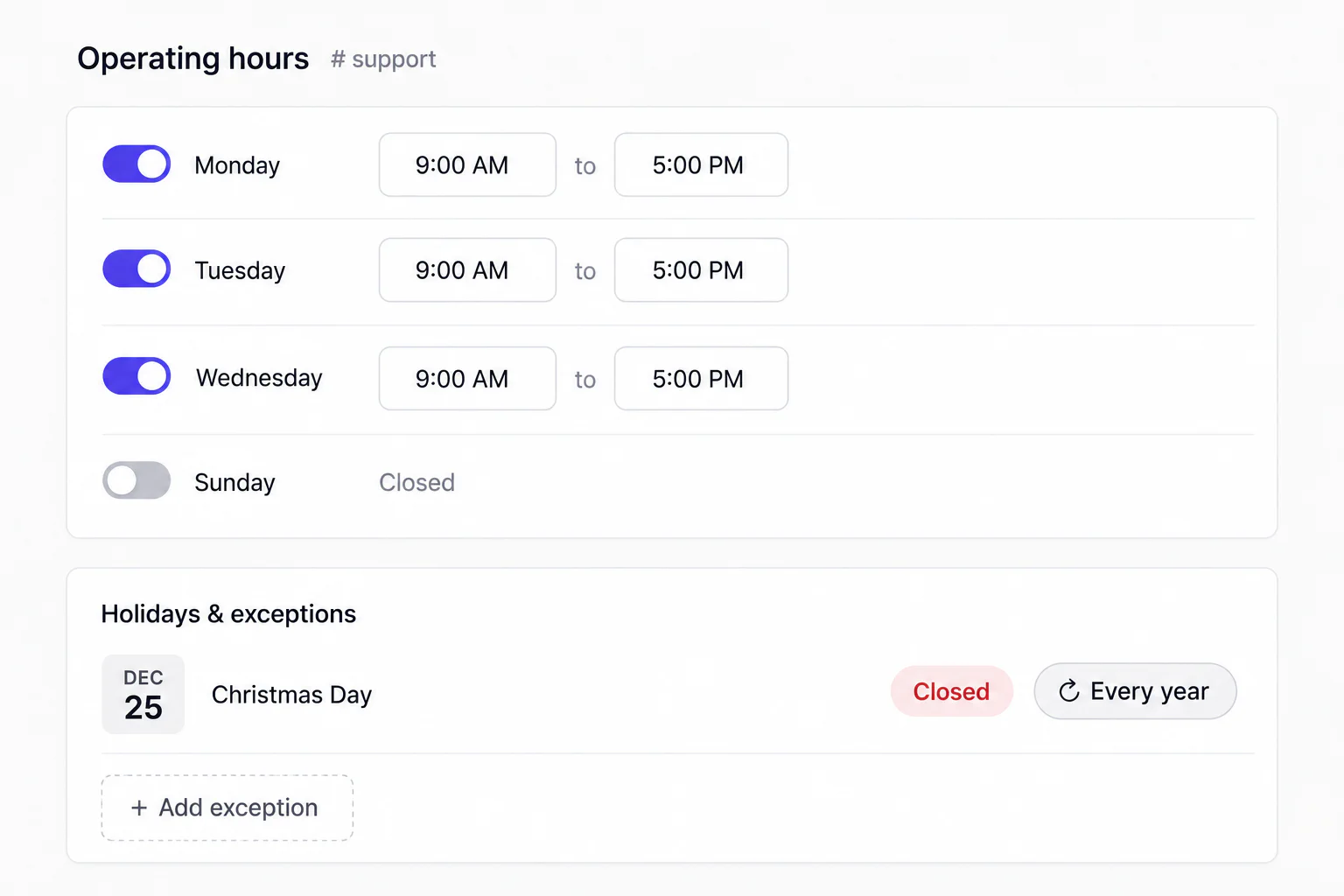
Change your hours, offline behavior and more to suit your team.
See daily conversations for each widget, with 7- or 30-day trends.
Set a schedule, follow Slack presence or switch availability yourself.
Show a contact form or hide the widget when you’re offline.
Give sales, support or each site its own widget and channel.
Start with an installation guide, or connect your own tools through the API and webhooks.