Install Chatlio on WordPress
Chatlio has a WordPress plugin that lets you talk to your website visitors and users directly from Slack. Here is how to set it up:
- Signup for Chatlio.
- Install the Chatlio for WordPress plugin.
- Activate the plugin on the “Plugins” menu on WordPress.

- Open the Chatlio dashboard.
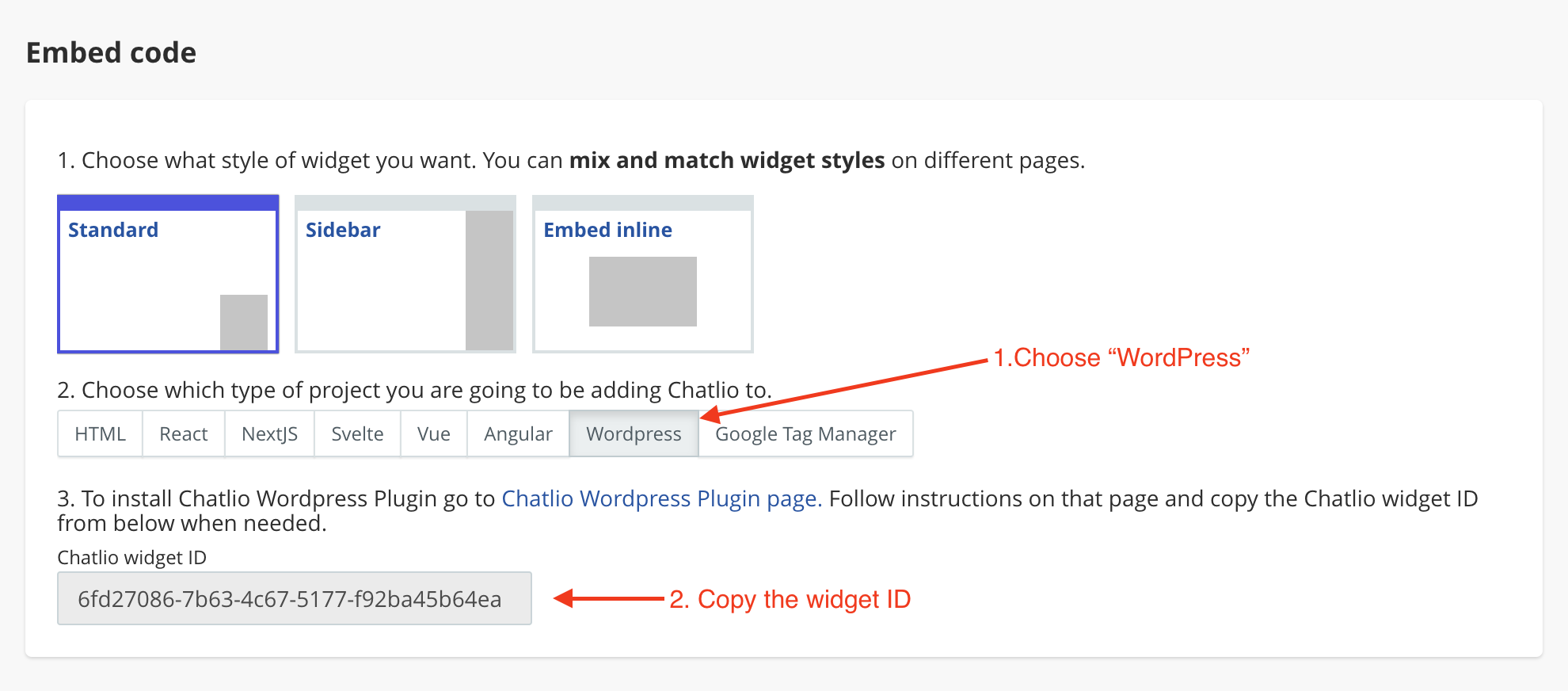
- Choose the widget that you would like to add to your site.
- Select the Widget Install tab.
- Select WordPress and copy the Chatlio widget ID.
- Now back in WordPress, select “Chatlio” in the Tools menu, paste in your Chatlio widget ID, and then Save Changes.

- Preview your site and you should see the Chatlio widget at the bottom of your site.
